On your phone
Sharing PDFs from your phone
Send an invoice to a client on WhatsApp or any other app straight from your phone.
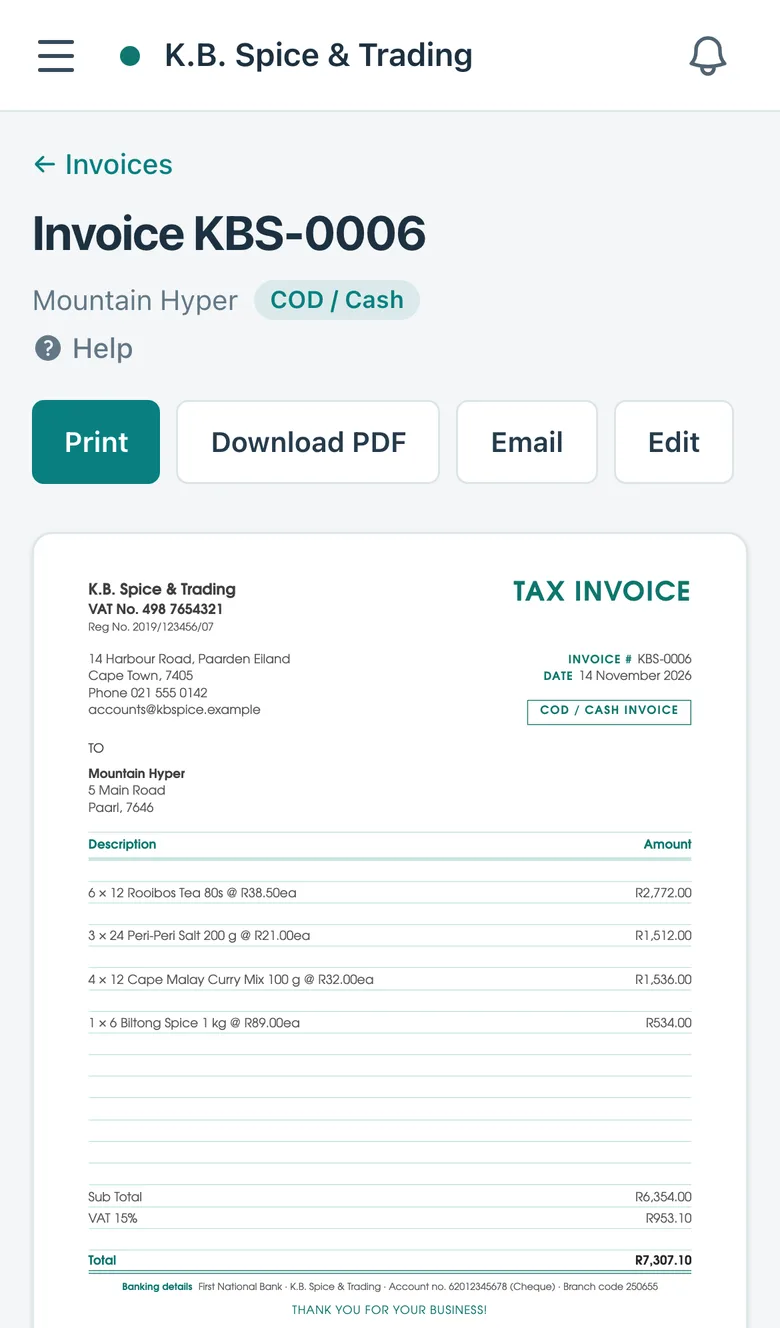
- Open the invoice.
- Tap Share PDF. Carbon Invoices prepares the PDF.
- Tap PDF ready: tap to share.
- Choose WhatsApp, email or another app, and the client.
If your phone doesn’t offer Share PDF, use Download PDF and share the file from your downloads. To send an invoice by email with replies coming back to your company, use Emailing an invoice.